Packing up the Desktop #
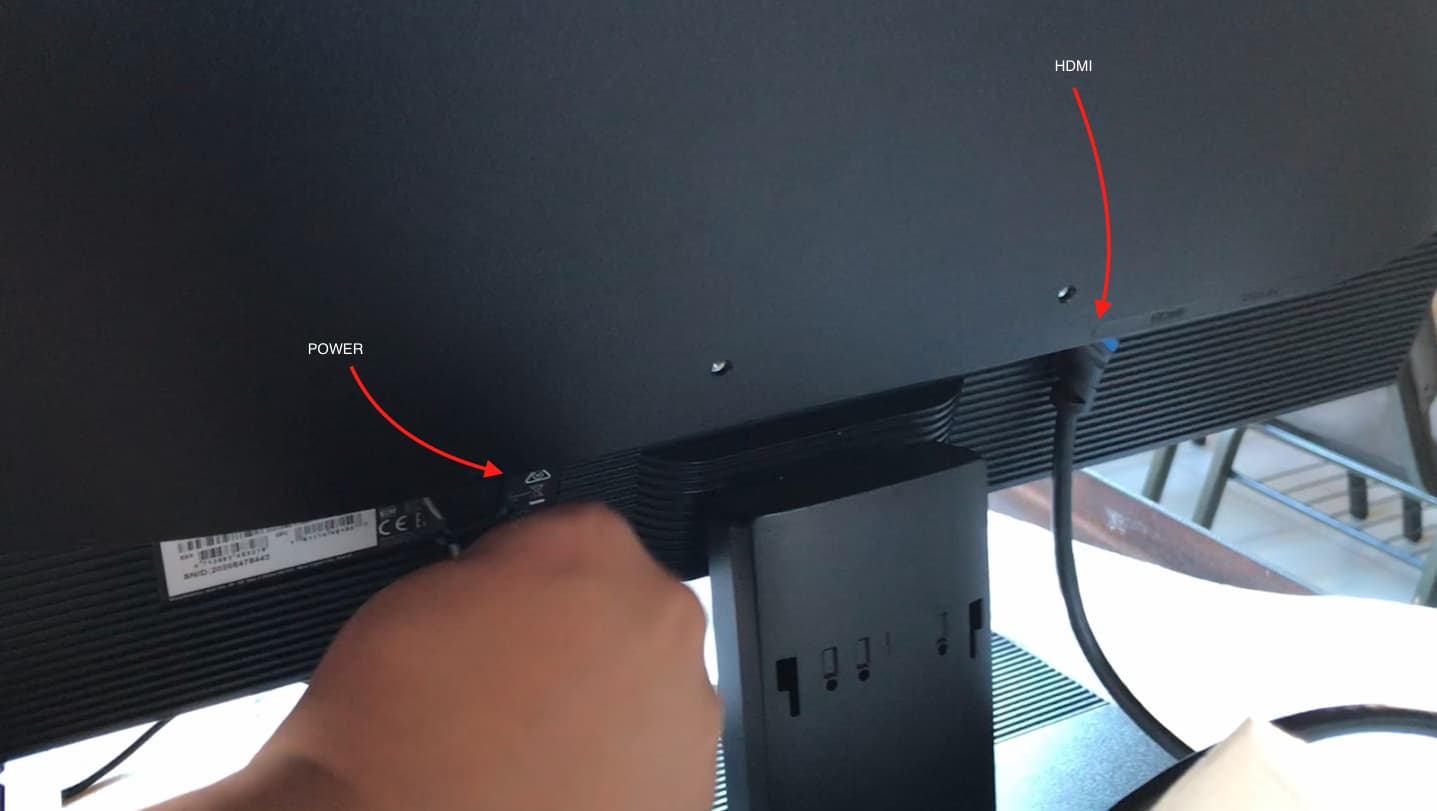
Step 1 - Detach the cables at the back of the monitor #
Locate the power and HDMI cables at the back of the monitor and detach them.
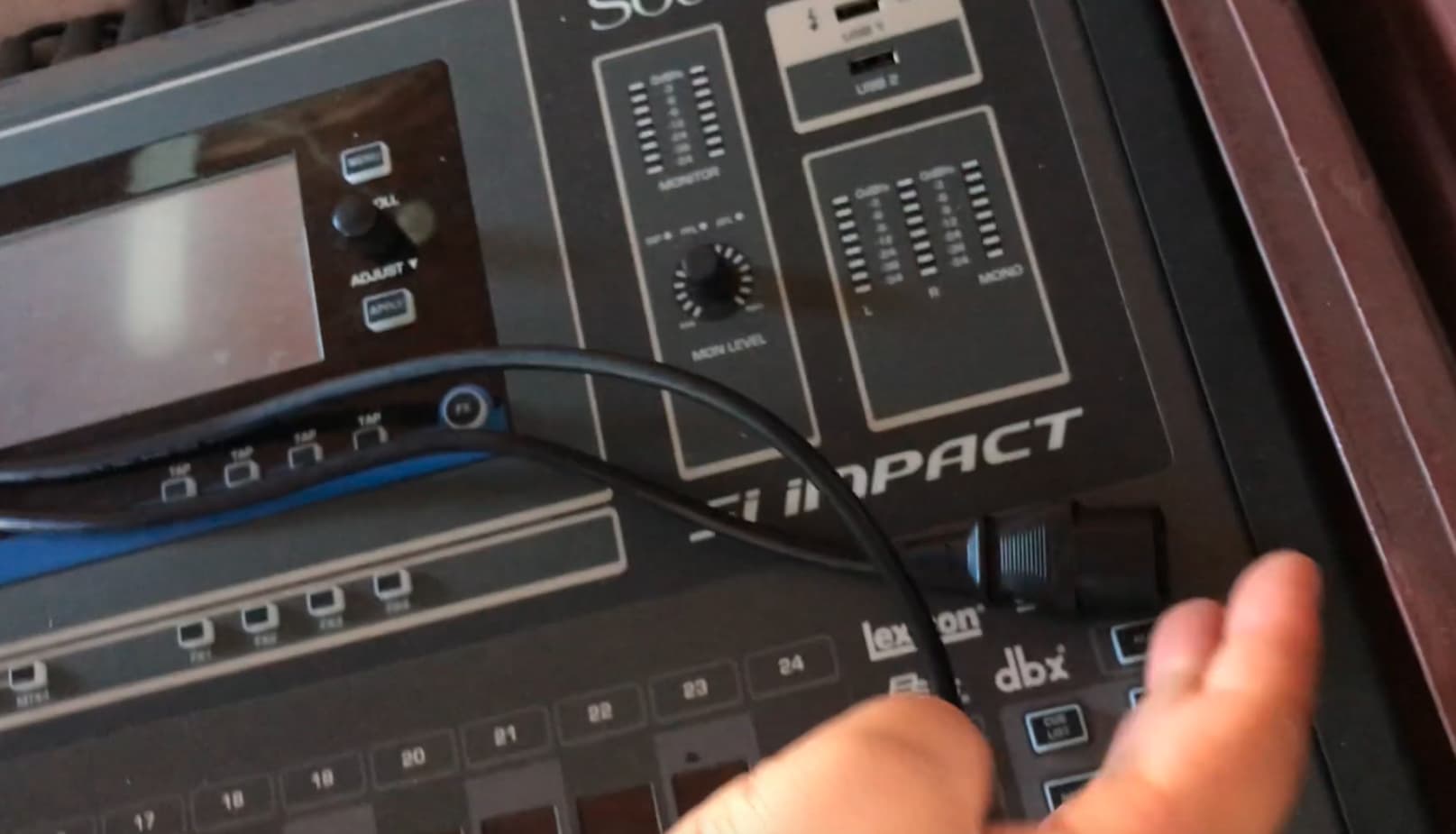
After detaching the cables, to store them, lay them across the soundboard.
Step 2 - Detach the base #
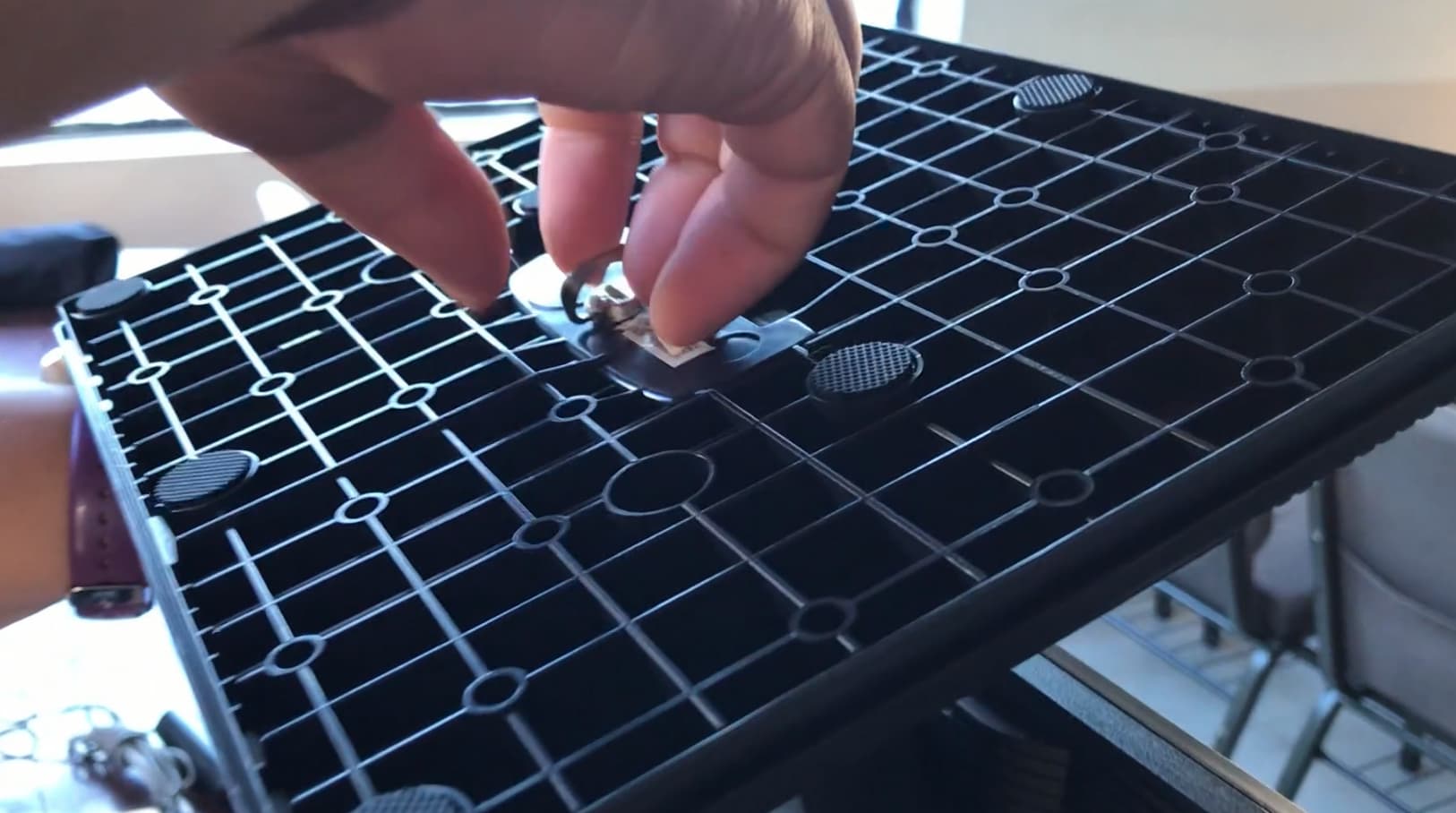
- Turn the monitor upside down
- Locate the folding wing bolt, pull it up and unscrew it to loosen the base
- Gently jiggle and detach the base
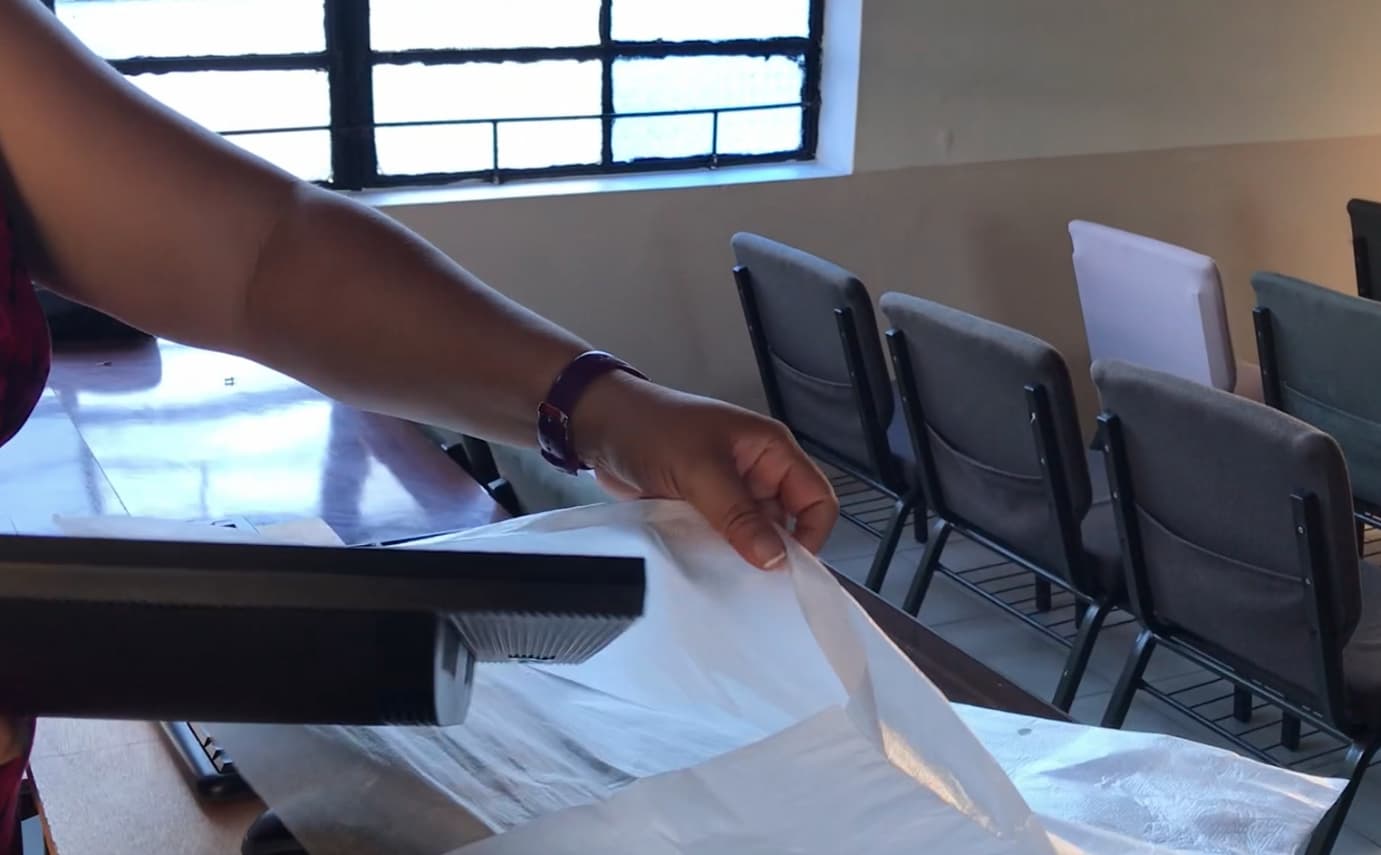
Step 3 - Put on the monitor’s protective cover #
Place the monitor in its protective cover.
Step 4 - Pack away the monitor and base #
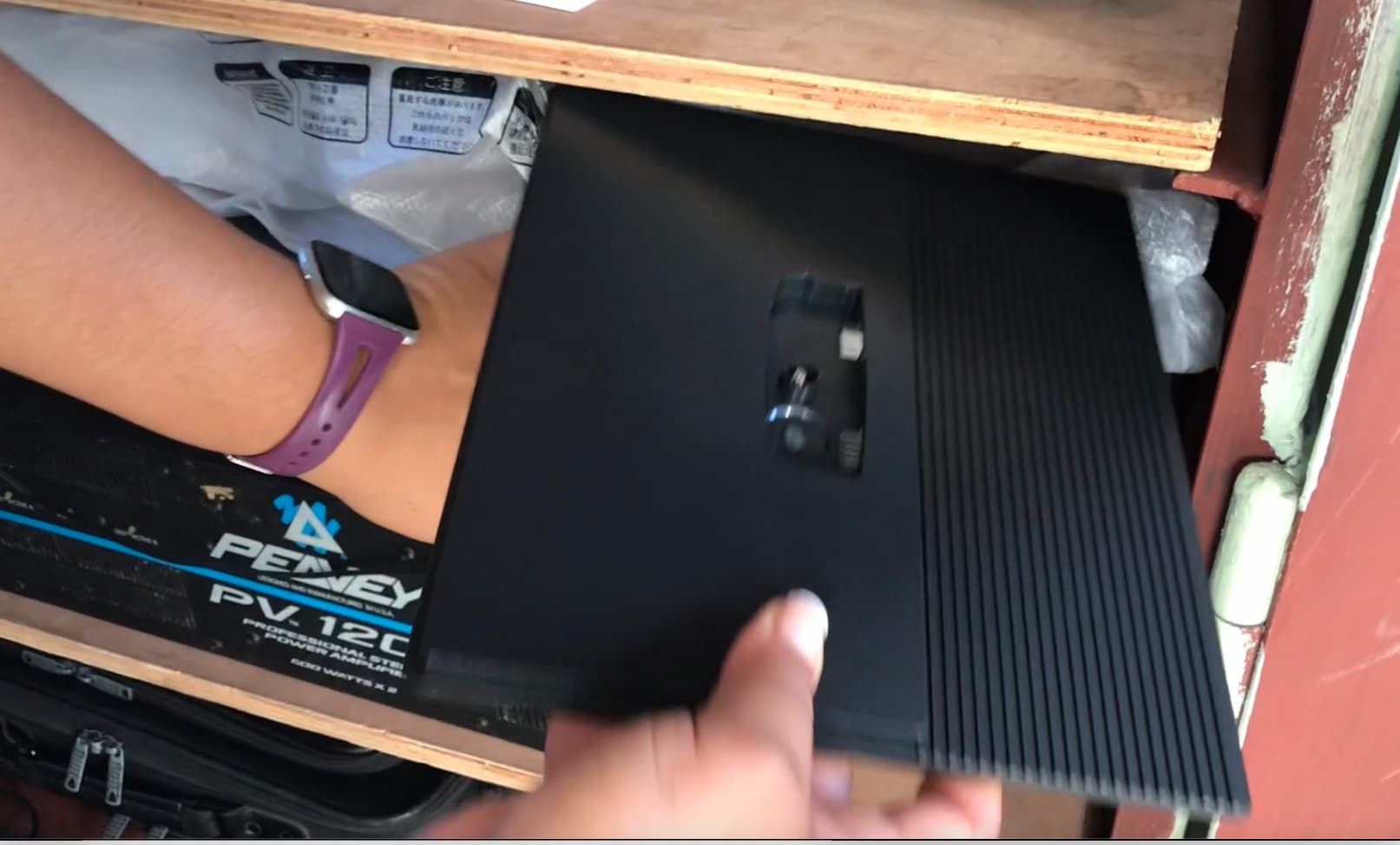
Pack the monitor below the sound board
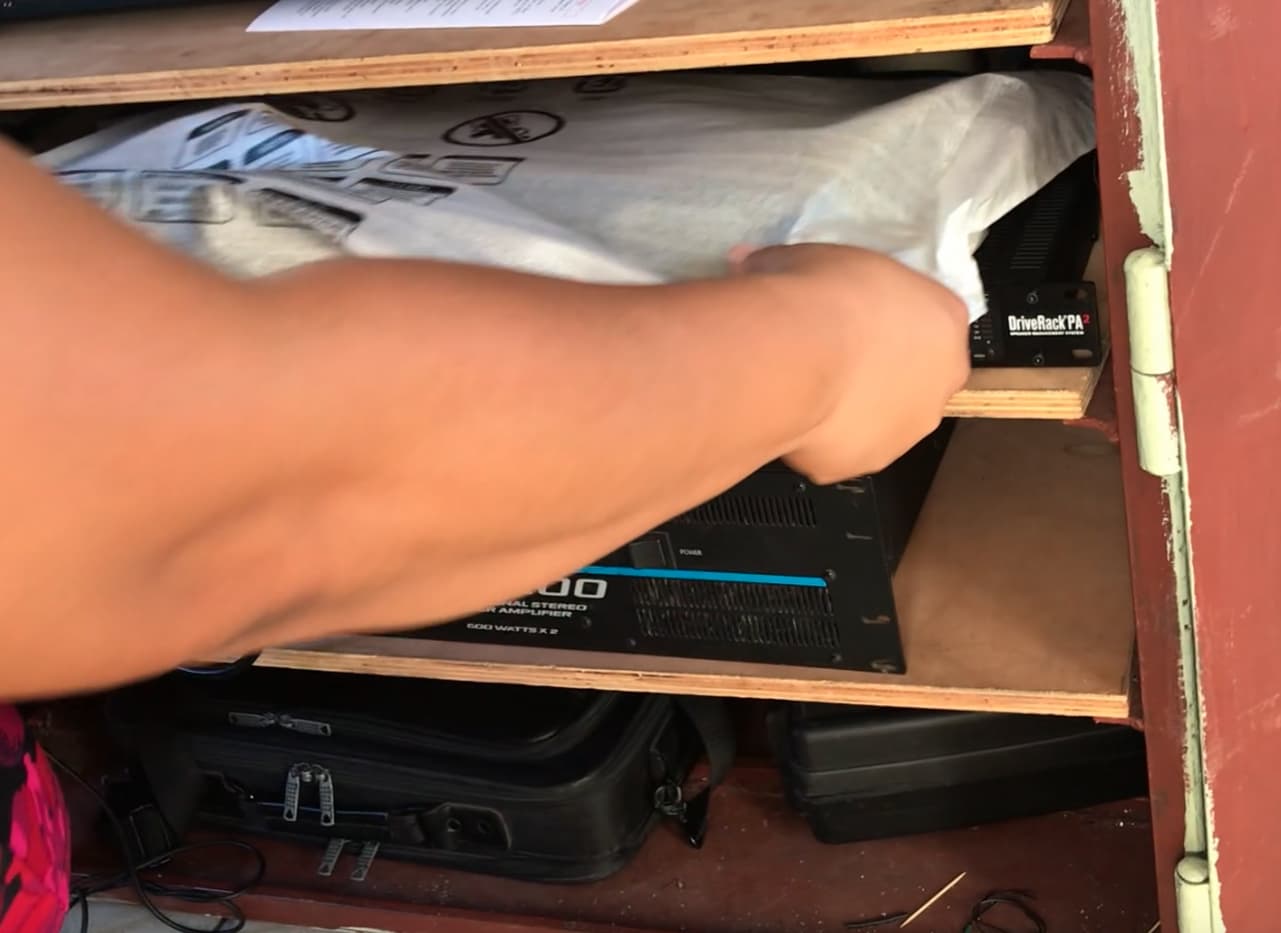
Place the base in the same location but on top of the monitor
Step 5 - Detach keyboard and mouse #
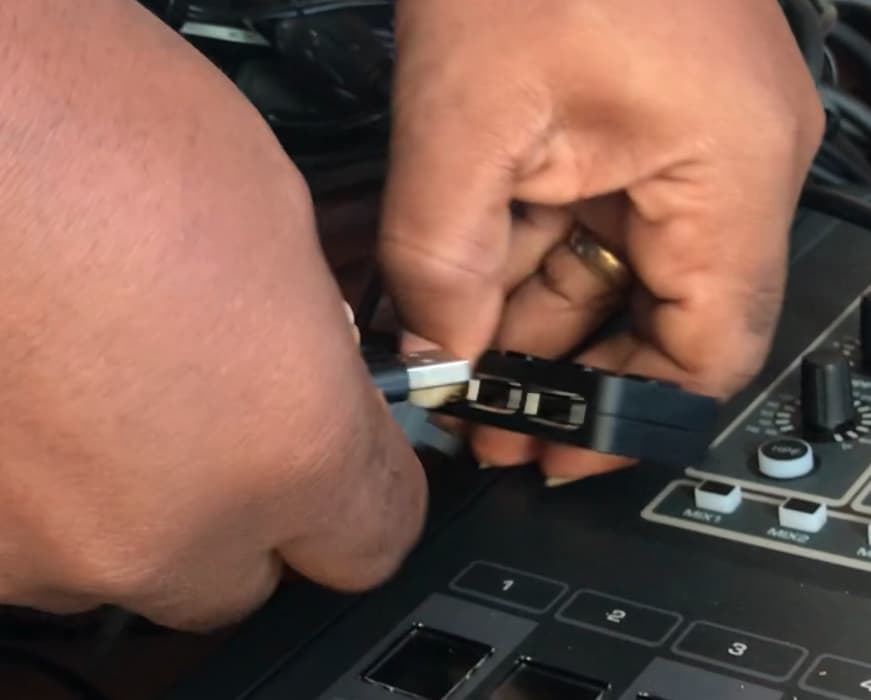
Detach the keyboard and mouse usb plugs from the usb hub.
Hint: It is easiest to pull the hub toward you using the keyboard or mouse cable.
Step 6 - Pack away the keyboard and mouse #
The keyboard and mouse are stored with the monitor below the soundboard.
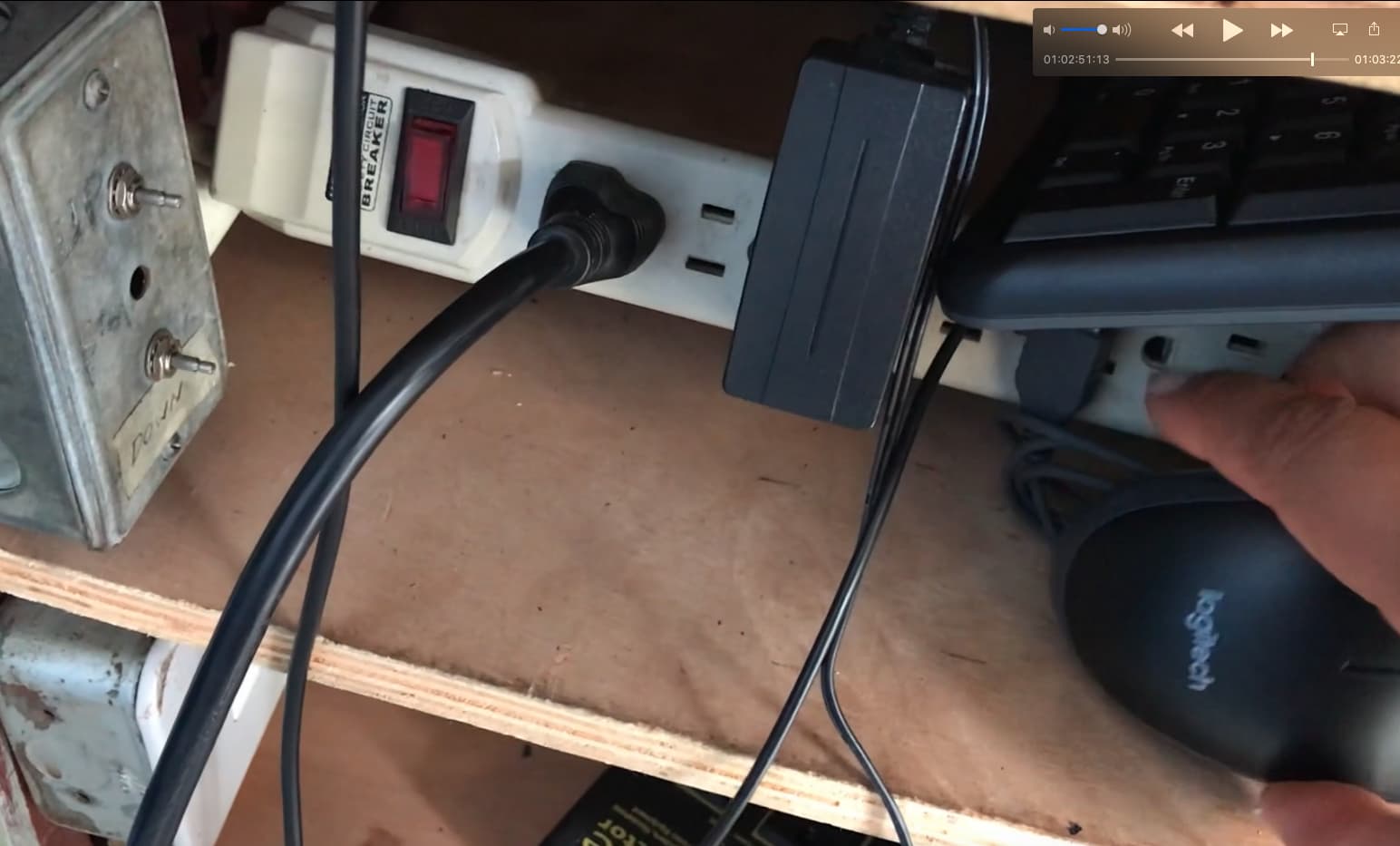
Step 7 - Put away the keyboard/mouse rest board #
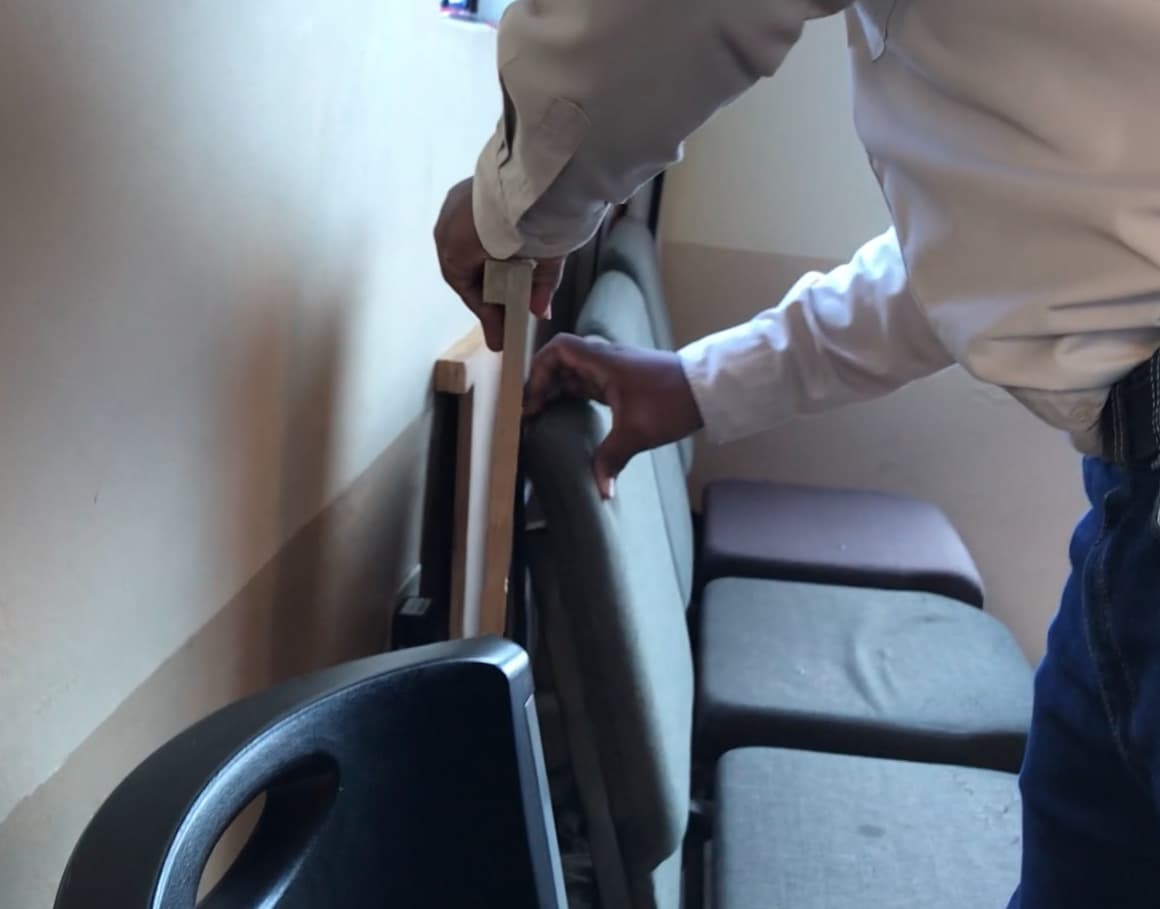
The keyboard/mouse rest board should be stored behind the chairs at the back.
Step 8 - Cap the HDMI cable #
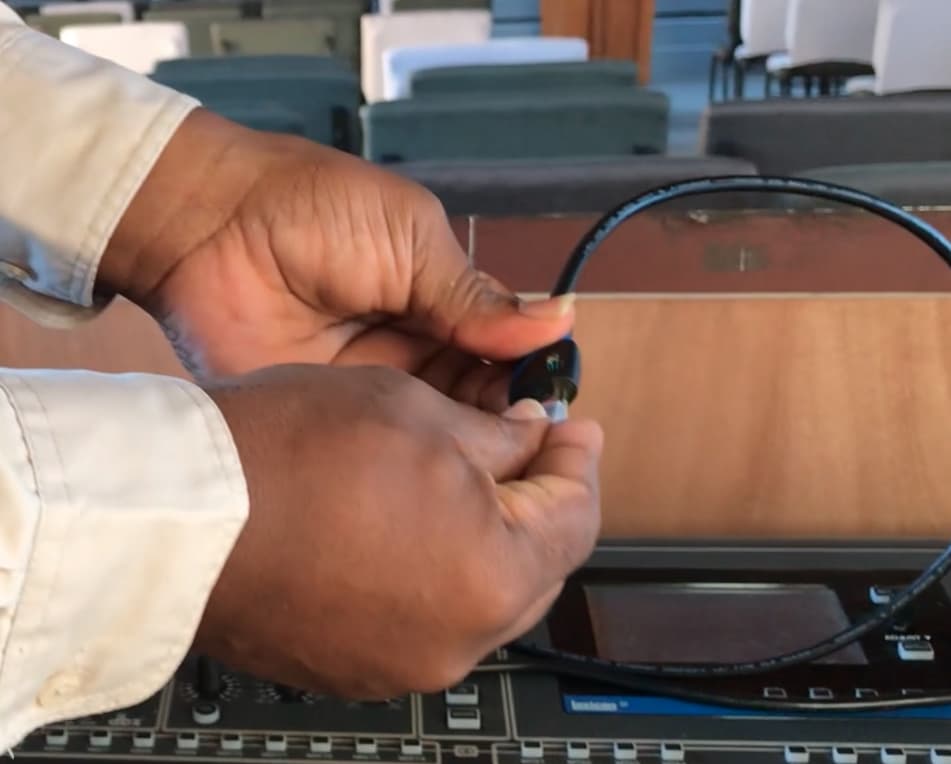
To protect the HDMI cable from dust while it is being stored, cap it with the plastic cap cover.
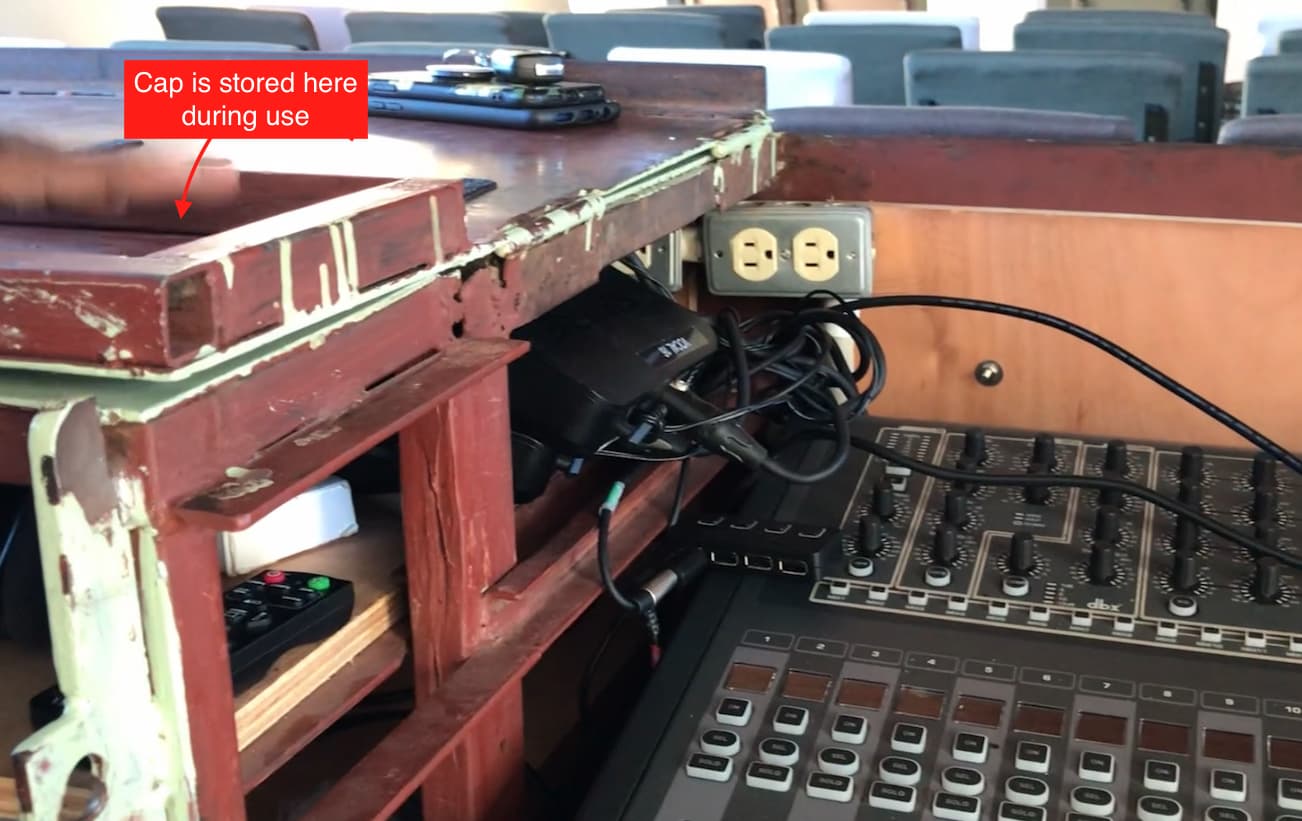
We store the cap on top of the A/V station while the desktop is being used.
Video Summary #
Watch the packing up process in this video (3 min 22 secs)